Basics of CPU

Basics of CPU
Understanding how the CPU executes instructions helps you reason about performance bottlenecks — whether your system is CPU-bound or I/O-bound changes your optimization strategy.
⚙️ 4: CPU Basics - The Brain in Detail
🎯 Challenge 4: The Restaurant Kitchen
Scenario: You own a restaurant. You need to serve 100 customers per hour.
Option A: Hire one incredibly fast chef who cooks 100 meals/hour Option B: Hire 10 regular chefs, each cooking 10 meals/hour
Option C: Hire 4 chefs, but each works on multiple dishes simultaneously
Question: Which is best? What are the trade-offs?
The Answer: This is exactly the CPU design problem! Modern CPUs use a combination of all three approaches.
🧠 What is a CPU Core?
CPU CORE - The Processing Unit
A core is one independent processing unit:
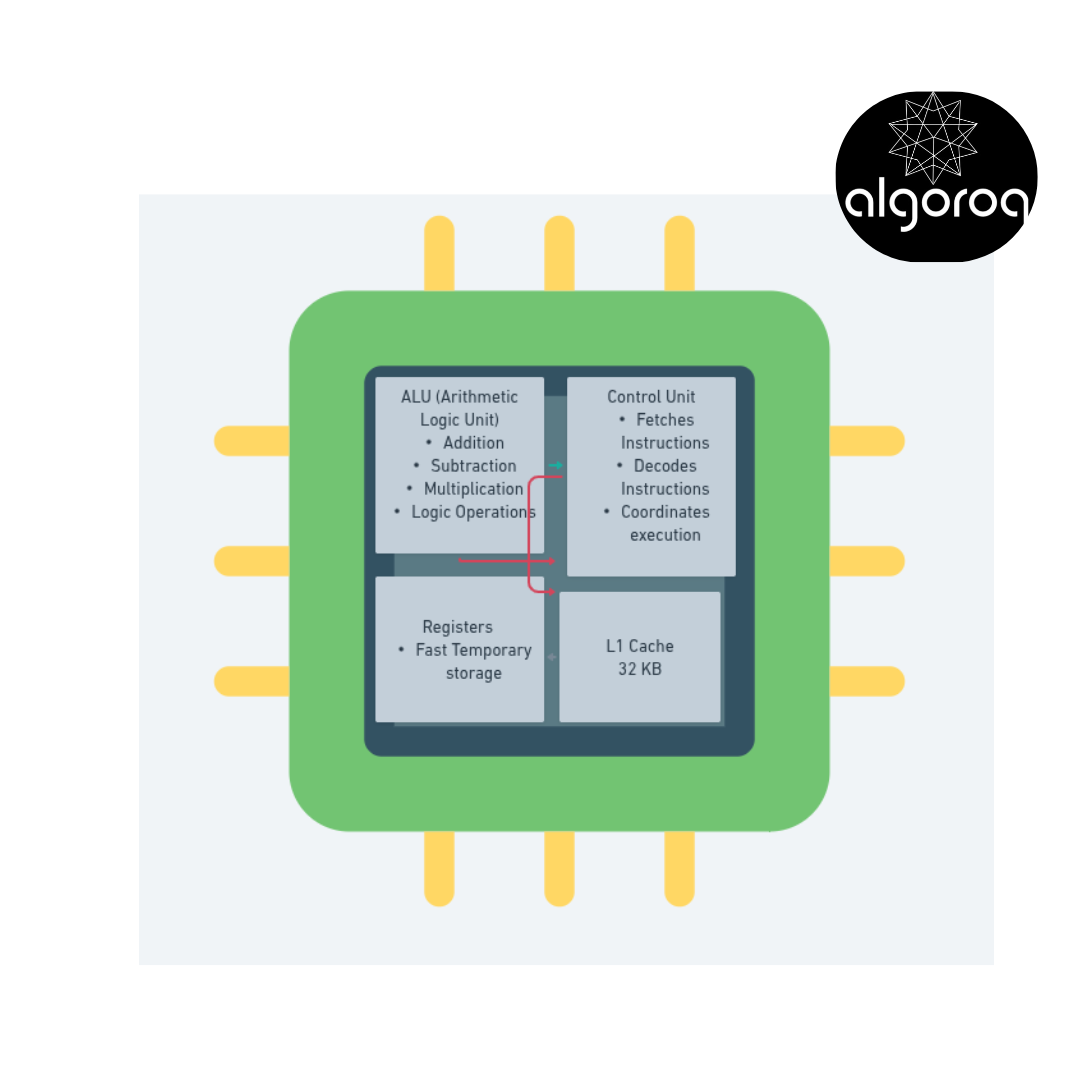
One core can execute ONE instruction stream at a time.
🔢 Multi-Core CPUs: The Team Approach
EVOLUTION OF CPUS
📅 YEAR 2000: Single Core

Power: 1x Can do: 1 task at a time
━━━━━━━━━━━━━━━━━━━━━━━━━━━━━━━━━━━━━
📅 YEAR 2006: Dual Core
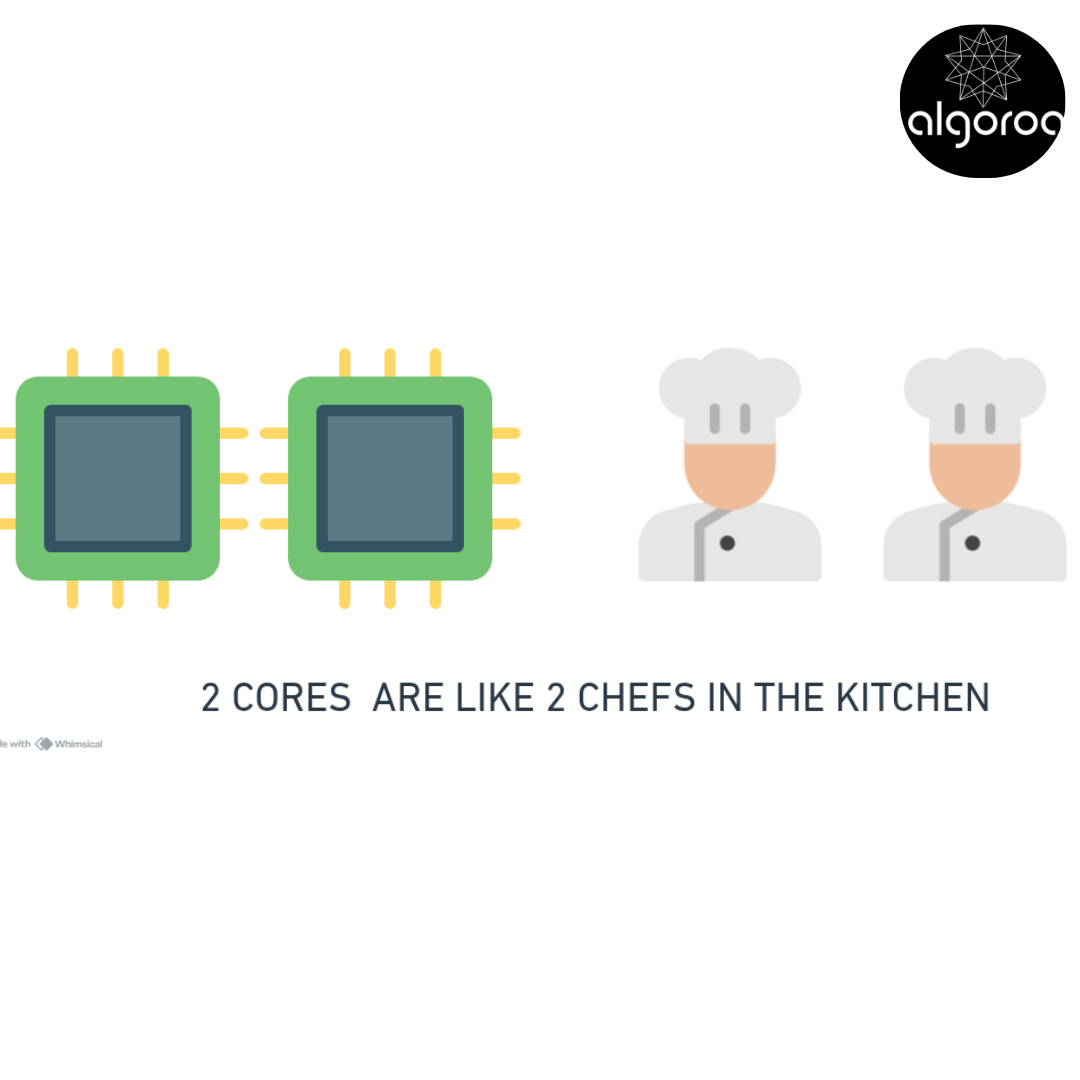
Power: 2x (nearly) Can do: 2 tasks simultaneously
━━━━━━━━━━━━━━━━━━━━━━━━━━━━━━━━━━━━━
📅 YEAR 2010: Quad Core
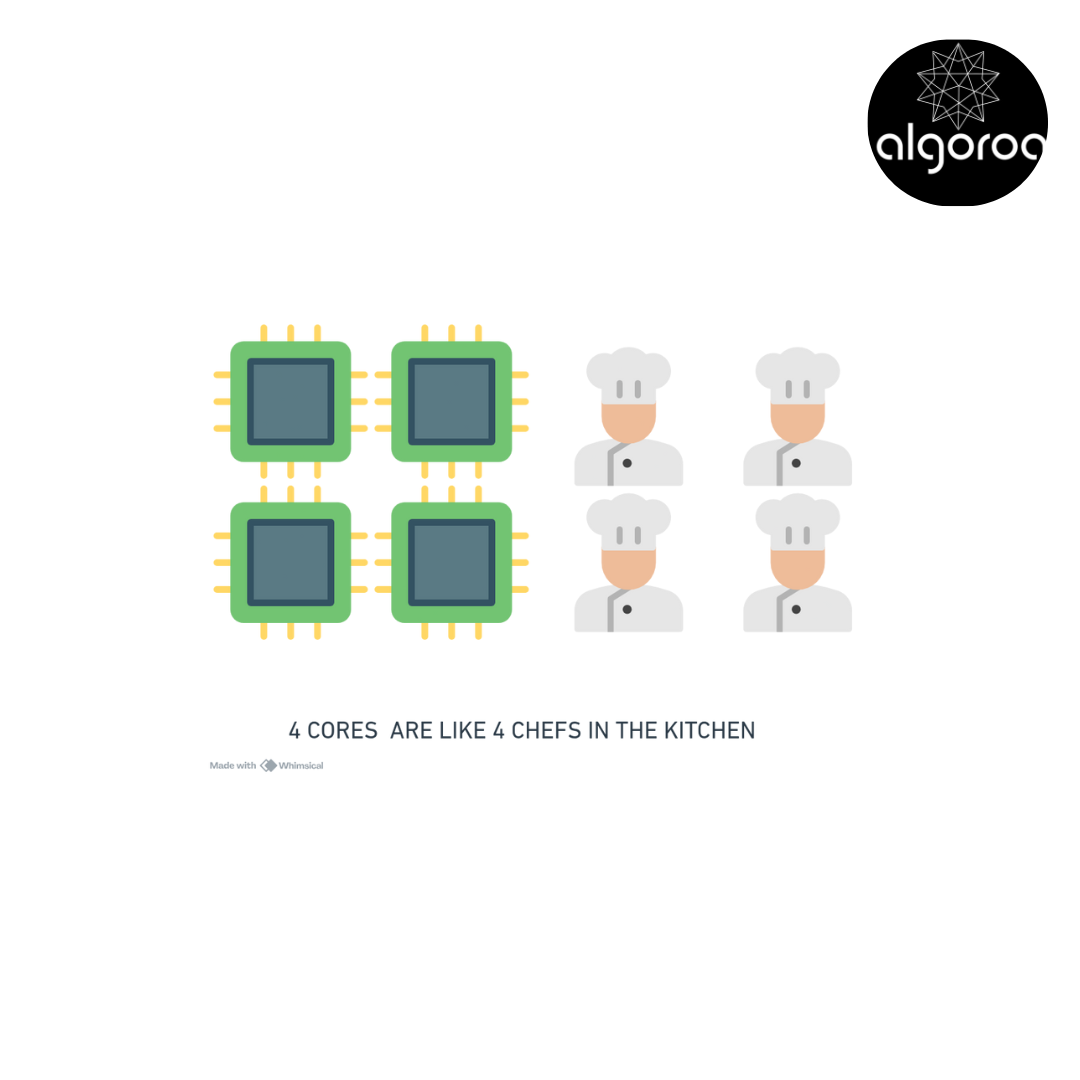
Power: 4x (nearly) Can do: 4 tasks simultaneously
━━━━━━━━━━━━━━━━━━━━━━━━━━━━━━━━━━━━━
📅 YEAR 2025: Many Cores
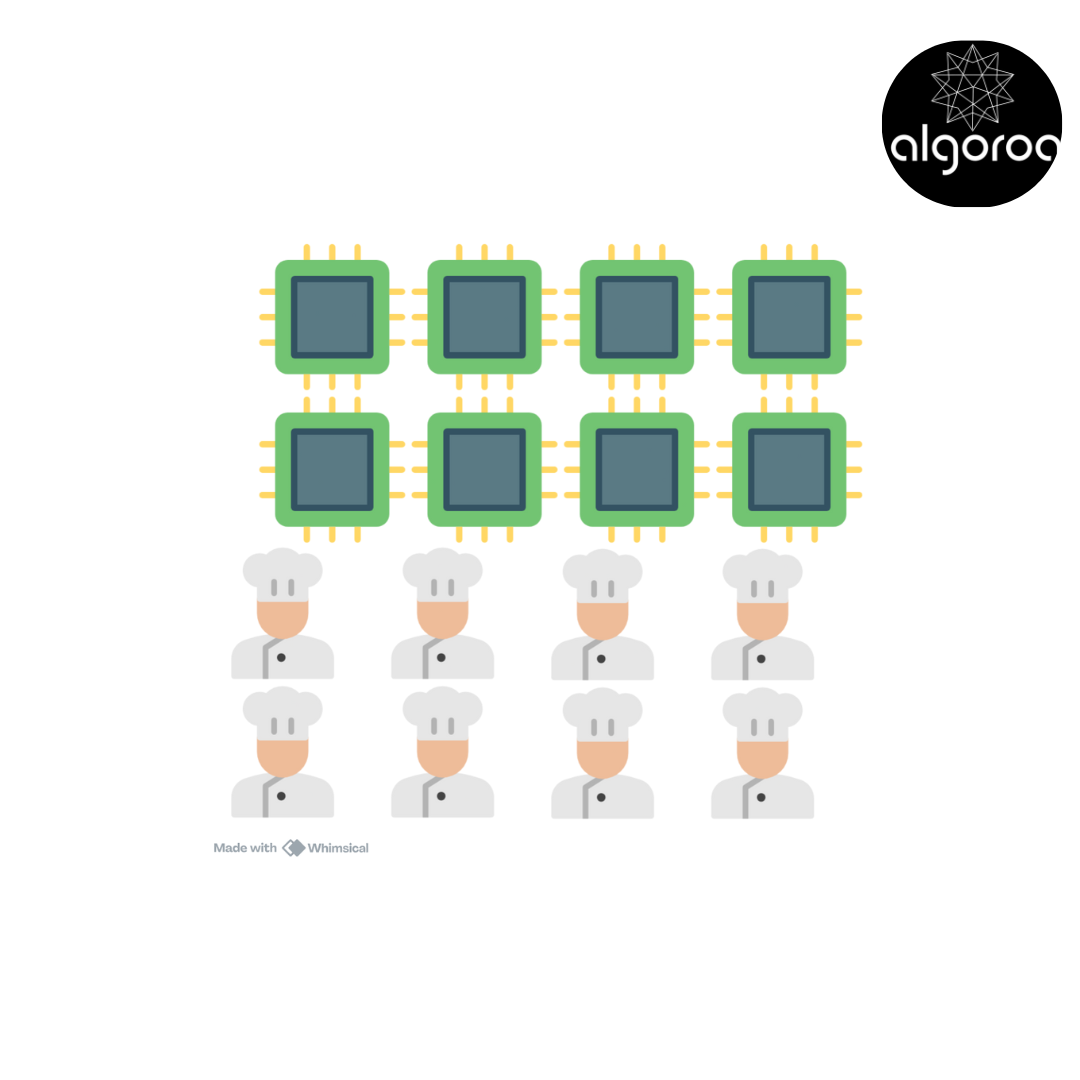
High-End Desktop: 32 cores Server CPU: 128+ cores!
🎮 Real-World Example: Gaming
Let's see how cores are used while gaming:
GAME RUNNING ON 8-CORE CPU
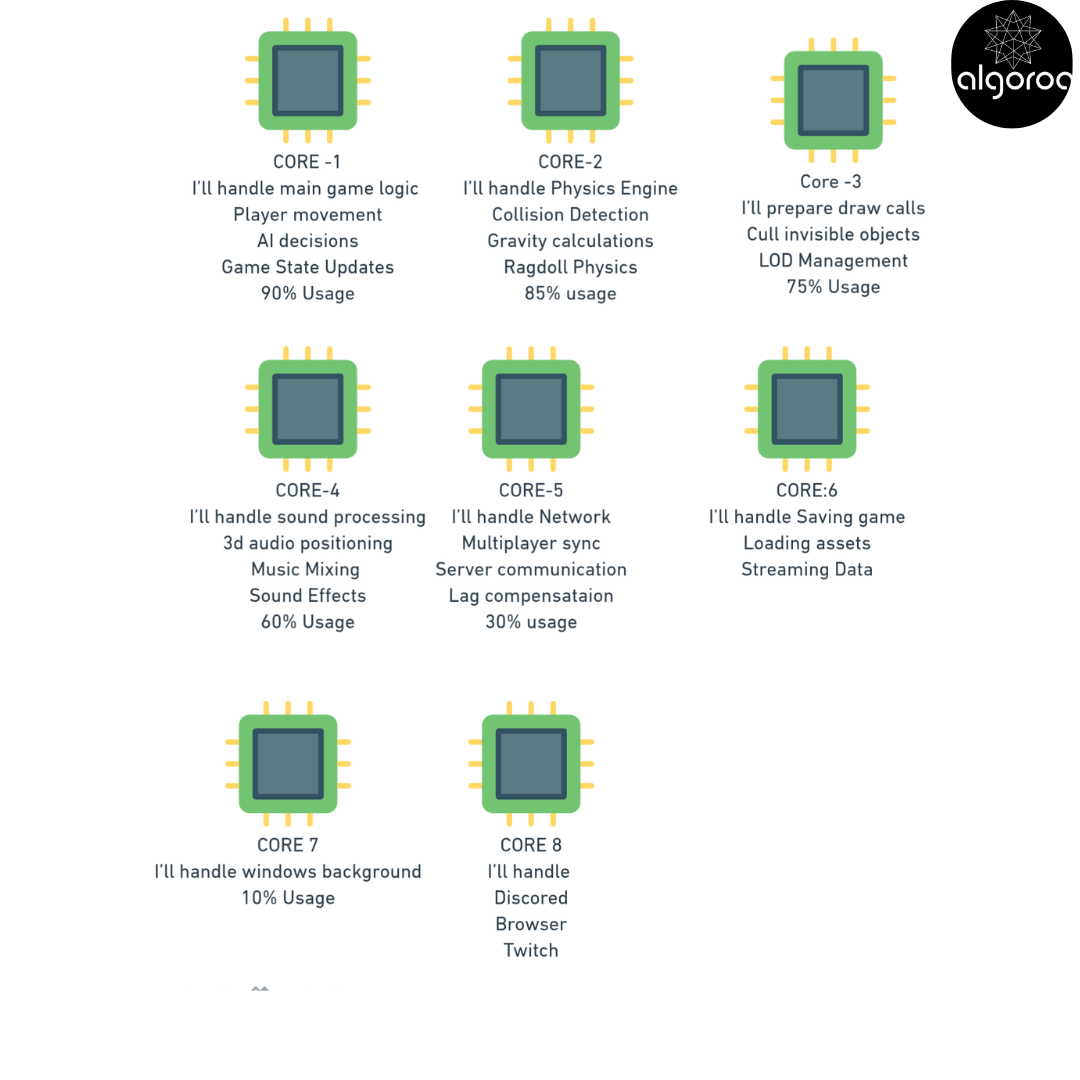
Without multiple cores: One core at 370% = Impossible! Game would run at <30 FPS
⏱️ Clock Speed: How Fast the CPU Thinks
CLOCK SPEED (GHz - Gigahertz)
Clock speed = How many cycles per second
1 Hz = 1 cycle per second 1 KHz = 1,000 cycles per second 1 MHz = 1,000,000 cycles per second 1 GHz = 1,000,000,000 cycles per second
Modern CPU: 3.5 GHz = 3,500,000,000 cycles per second!
What happens in one cycle?
Simple instruction (add two numbers): 1 cycle = Fetch, Decode, Execute, Write
Complex instruction (divide): 10-50 cycles
Memory access: 100-300 cycles (cache miss)
🎯 Instruction Execution: The CPU Pipeline
How does a CPU execute instructions?
THE 4-STAGE PIPELINE
Classic pipeline:
Stage 1: FETCH ├─ Get instruction from memory └─ "Retrieve ADD instruction"
Stage 2: DECODE ├─ Figure out what instruction means └─ "ADD: Add two numbers"
Stage 3: EXECUTE ├─ Perform the operation └─ "5 + 3 = 8"
Stage 4: WRITE BACK ├─ Write result back └─ "Register now contains 8"

🚨 Common Misconception: "Higher GHz Always Faster"
You might think: "5 GHz CPU must be faster than 3 GHz!"
The Reality: It's more complex!
❌ NAIVE COMPARISON:
CPU A: 5.0 GHz, 4 cores CPU B: 3.5 GHz, 8 cores
Your assumption: A is 43% faster!
━━━━━━━━━━━━━━━━━━━━━━━━━━━━━━━━━━━━━
✅ REAL-WORLD RESULTS:
Single-threaded task (video game main thread):
├─ CPU A: 100 FPS ✓ (Winner!)
└─ CPU B: 70 FPS
Multi-threaded task (video rendering):
├─ CPU A: 4 min
└─ CPU B: 2.5 min ✓ (Winner!)
Why?────────────────────────────────────
Single-threaded: Only one core used
├─ Higher GHz wins
└─ CPU A's 5 GHz beats B's 3.5 GHz
Multi-threaded: All cores used
├─ More cores win
└─ CPU B's 8 cores beat A's 4 cores
━━━━━━━━━━━━━━━━━━━━━━━━━━━━━━━━━━━━━
OTHER FACTORS THAT MATTER:
Architecture efficiency:
├─ Instructions per cycle (IPC)
├─ Some CPUs do more per clock
└─ Example: Apple M3 beats Intel at same GHz!
Cache size:
├─ Larger cache = fewer RAM accesses
└─ Can matter more than 0.5 GHz!
Memory speed:
├─ CPU waiting for RAM = wasted cycles
└─ Fast RAM helps more than high GHz
Power efficiency:
├─ High GHz = high power = thermal throttling
└─ Sustained 4 GHz > burst 5 GHz that throttles
🎮 Decision Game: Choose Your CPU
Scenario: Pick the best CPU for each task:
CPU Options:
A. 4 cores, 5.5 GHz, 16 MB cache, $300
B. 8 cores, 4.0 GHz, 32 MB cache, $350
C. 16 cores, 3.0 GHz, 64 MB cache, $500
Tasks:
-
Gaming (mostly single-threaded)
-
Video editing (multi-threaded)
-
3D rendering (highly parallel)
-
Office work (light multitasking)
-
Software development (compiling code)
Think about each one...
ANSWERS:
-
Gaming → CPU A
Why: High single-thread performance
5.5 GHz handles main game thread best
-
Video editing → CPU B
Why: Good balance
8 cores for timeline processing
4 GHz still decent for playback
-
3D rendering → CPU C
Why: Maximum parallelism
16 cores render 16 pixels simultaneously
3 GHz sufficient per thread
-
Office work → CPU A or B
Why: Overkill for Office!
Even CPU A is excessive
(Budget option would work fine)
-
Software development → CPU B
Why: Balanced
Compiling uses all cores
High clock helps IDE responsiveness
32MB cache helps with large projects
Key Takeaways
- The CPU executes instructions in a fetch-decode-execute cycle — understanding this helps you reason about computational bottlenecks
- Clock speed (GHz) measures how many cycles per second — but more cycles doesn't always mean faster execution due to instruction complexity
- Multi-core CPUs enable parallel processing — but software must be designed for concurrency to take advantage of multiple cores
- CPU-bound vs I/O-bound workloads need different optimization strategies — CPU-bound benefits from faster processors, I/O-bound from async/non-blocking designs
Log in to keep reading
Create a free account to keep reading and track your progress.
Log in — it's free